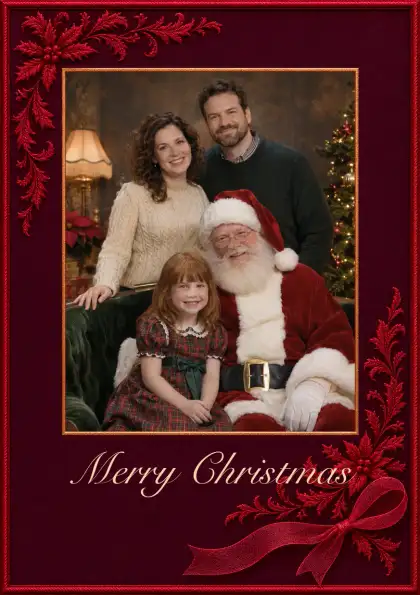
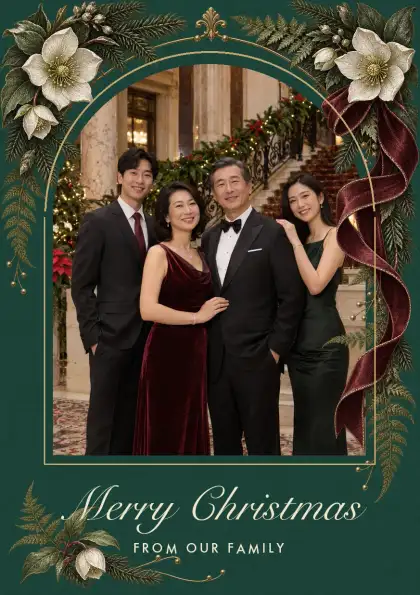
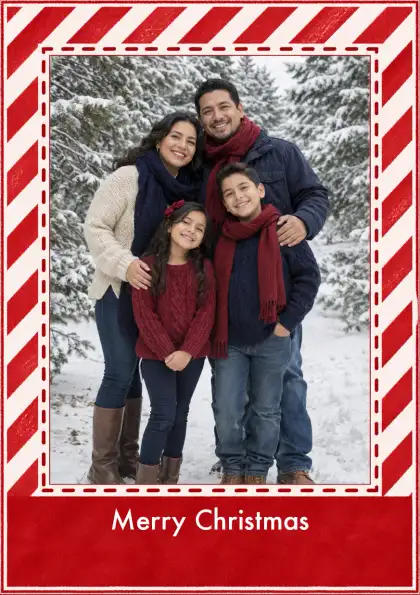
Turn a family portrait, a trip to see Santa or a favorite snapshot into a Christmas photo card. Open a design to see where your own photos go.
Choosing christmas photo cards
Choose a full-photo cover when you have one favorite portrait, a two-photo layout for a pair of moments, or an inside portrait if you want the greeting on the cover.
A family portrait on the cover
Choose an upright portrait with some room around faces. Look at the preview before you send so the greeting does not cover anyone.
Christmas at Home“We wanted to share a little of Christmas at our place and hope there is room for a visit soon.”
A photo saved for the inside
Keep the traditional greeting on the cover and choose one snapshot to go beside your words inside.
The Portrait Inside“This snapshot is one small thing that made us smile this year. We hope it does the same for you.”
Finding your words
The editable Christmas note on the right is a starting point. Add a detail from your year, a memory you share or a wish for the person opening the card.
The personal writing on the right page is a sample. Change it to sound like you and keep only details that are true for your relationship.

 keepzeEvery card, a keepsake.